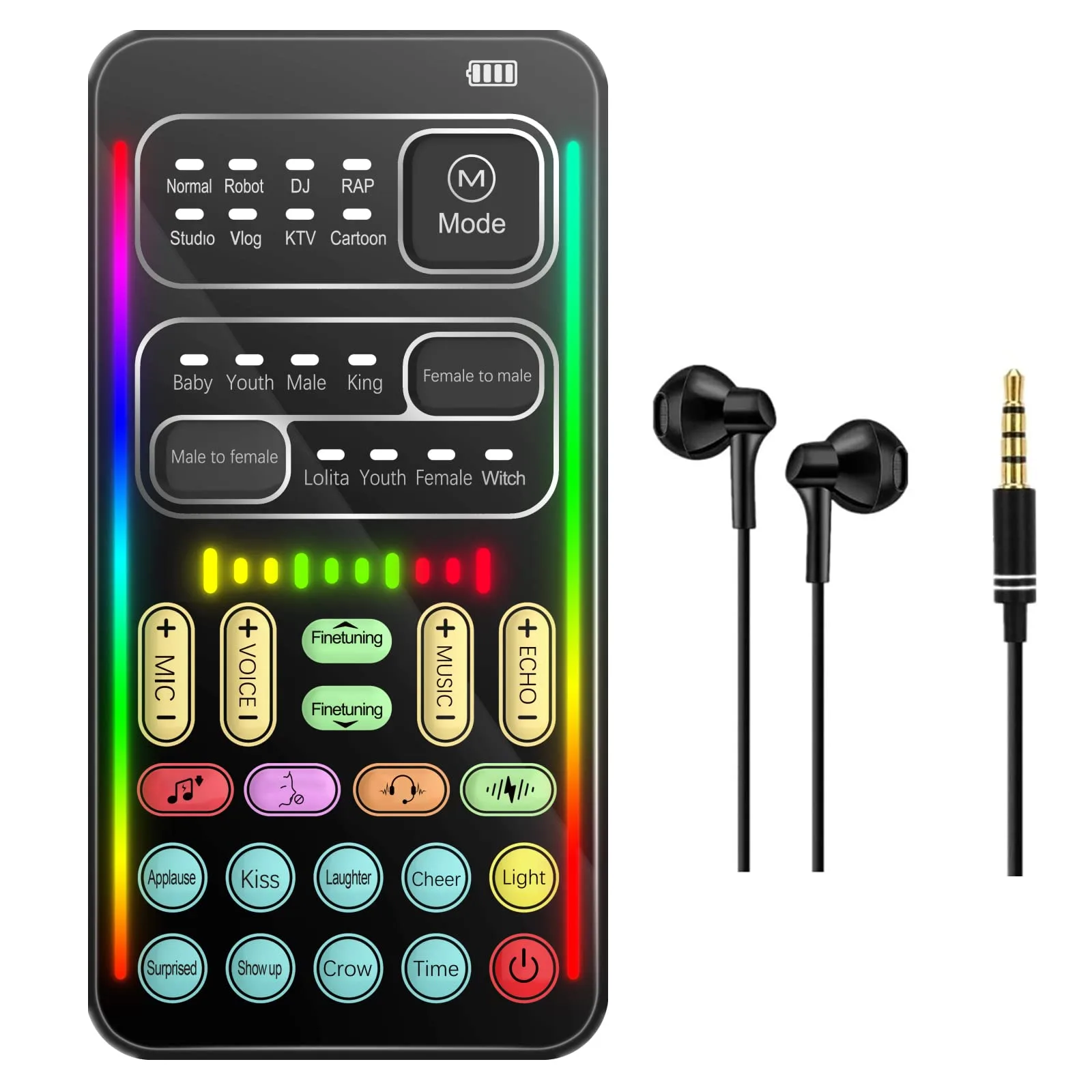
Wireless Intercom Phone No Display
Wireless Intercom Phone No Display Check the Power Source: Ensure the unit is properly plugged in or that the batteries are fully charged. If it uses a rechargeable battery (like the 18650 type common in many systems), try swapping it with a known working one. Power Cycle the Device: Unplug the base station and remove the handset batteries for 20–30 seconds. This can often reset the system and clear minor software bugs. Verify Charging: Inspect the charging port for dust or debris and ensure the USB cable or power adapter is functioning correctly by testing it with another device
More in Uncategorized
See all →

Customer reviews
Nothing here yet. Be the first to review Wireless Intercom Phone No Display.